ClayStage makes professional 3D simple enough for anyone, and powerful enough
for pros. Stage a scene in clay, render it photoreal, animate it without a single
keyframe, pose and style characters, and ship video and product shots. No Blender,
no render farm, no 3D experience required.
Clay·Render·Animate·Characters·Video·Product shots·Simple enough for anyone·Powerful enough for pros·No Blender·No render farm·Clay·Render·Animate·Characters·Video·Product shots·Simple enough for anyone·Powerful enough for pros·No Blender·No render farm·
The loop
Stage. Render. Animate. Ship.
One canvas, four simple moves: from a rough clay scene to a finished clip, character shot, or product render. No exporting, no round-trips, no render queue, and nothing to learn first.
01
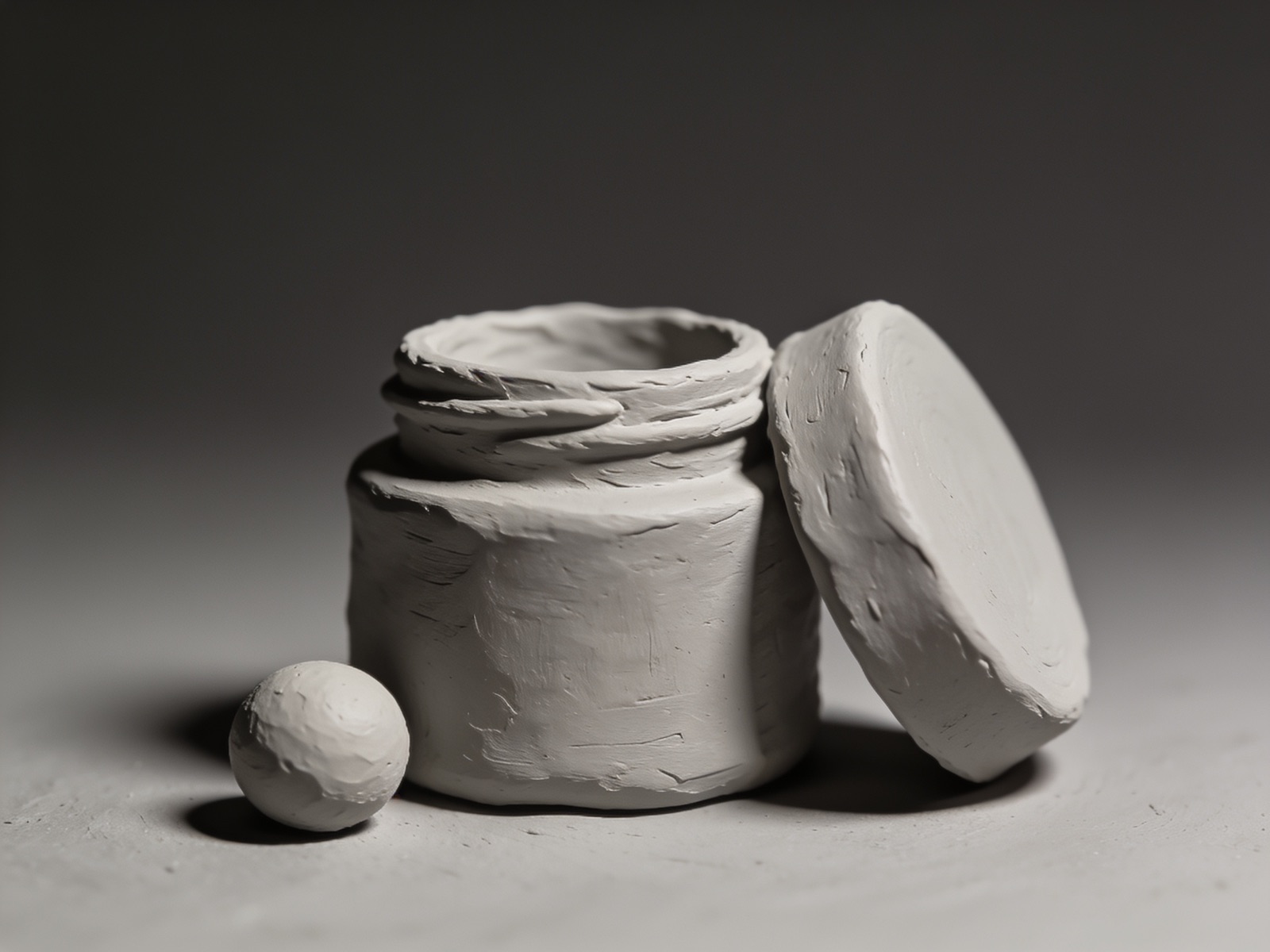
Stage it in clay
Drag simple shapes onto a clean stage, then light it, frame it and lock your aspect. Want a person in the shot? Drop in a character, pose the mannequin and add clothing. If you can move furniture in a room, you can do this. No CAD, no node soup.
02
Render it photoreal
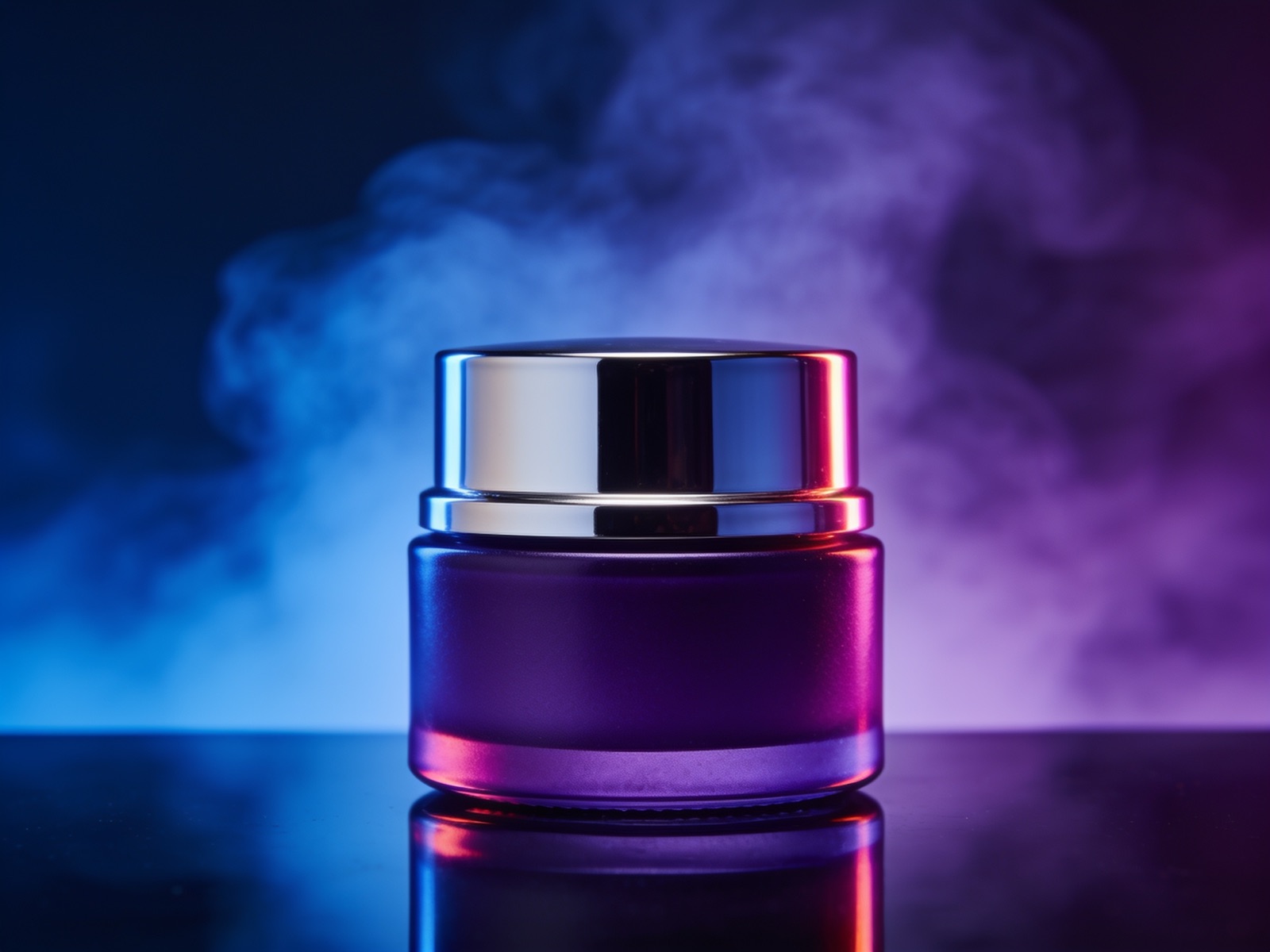
One click turns the clay into a finished, photoreal frame, with your composition, materials, lighting and depth respected. Studio-grade product shots and scenes, in generation time, not render time.
03
Animate, no keyframes
Set a Min and a Max, pick a feel, and AutoDrive animates it: spin a product on a turntable or move your character through a pose. Full control over the motion, no timeline to babysit.
04
Ship the video
Hand your hero frame to the video model and get a finished clip back: a product spin, a character turntable, a branded moment. Download it, post it, done. Minutes from stage to ship.
AutoDrive
Animation without keyframes.
Animation anyone can drive, and pros can push. No wall of dots on a timeline. Give a property a Min and a Max, a range, and a feel; AutoDrive does the rest. Spin a product, orbit a scene, or move a character through a pose without touching a keyframe.
Min → Max. Just set where a move starts and ends. No in-betweens to place by hand.
31 easing curves. Sine, Quad, Back, Elastic, Bounce and more. Pick the feel from a visual grid, no math required.
Chain ranges. Sequence moves on one property for choreography a single curve can't do.
Pro depth on tap. Nest drivers, compose compound motion, and convert to keyframes whenever you want to take over by hand.
31 curves ship in the app. Switch one here to feel the difference.
Why ClayStage
Simple for anyone. Powerful for pros.
Built by 3D artists, but made for everyone: brands, creators, marketers, product and e-commerce teams. Whether it's your first scene or your thousandth, nothing stands between you and the shot.
Before / after
Clay in. Cinema out.
The same shot, twice: the clay scene exactly as staged in ClayStage, and the finished render it became. Drag the divider.
ClayRender
Pedestal set with brass ring: staged in clay, rendered photoreal
Bring ClayStage into Claude
Connect your Claude to ClayStage over MCP and build your scene by chat: backdrops, props, materials, lights, characters and animation, then render, all on your plan. Safe by design: a fixed tool allowlist that runs as you.
Tweak the stage, regenerate, compare. No render farm, no overnight wait: the next version is minutes away, every time, so you can try ten looks before lunch.
Speed
Stage to video, in one place
Pass your hero render in as a first frame and get an AI video back: a product spin, a character turntable, a branded moment. No exporting to another tool to finish the clip.
Video
Characters, posed and styled
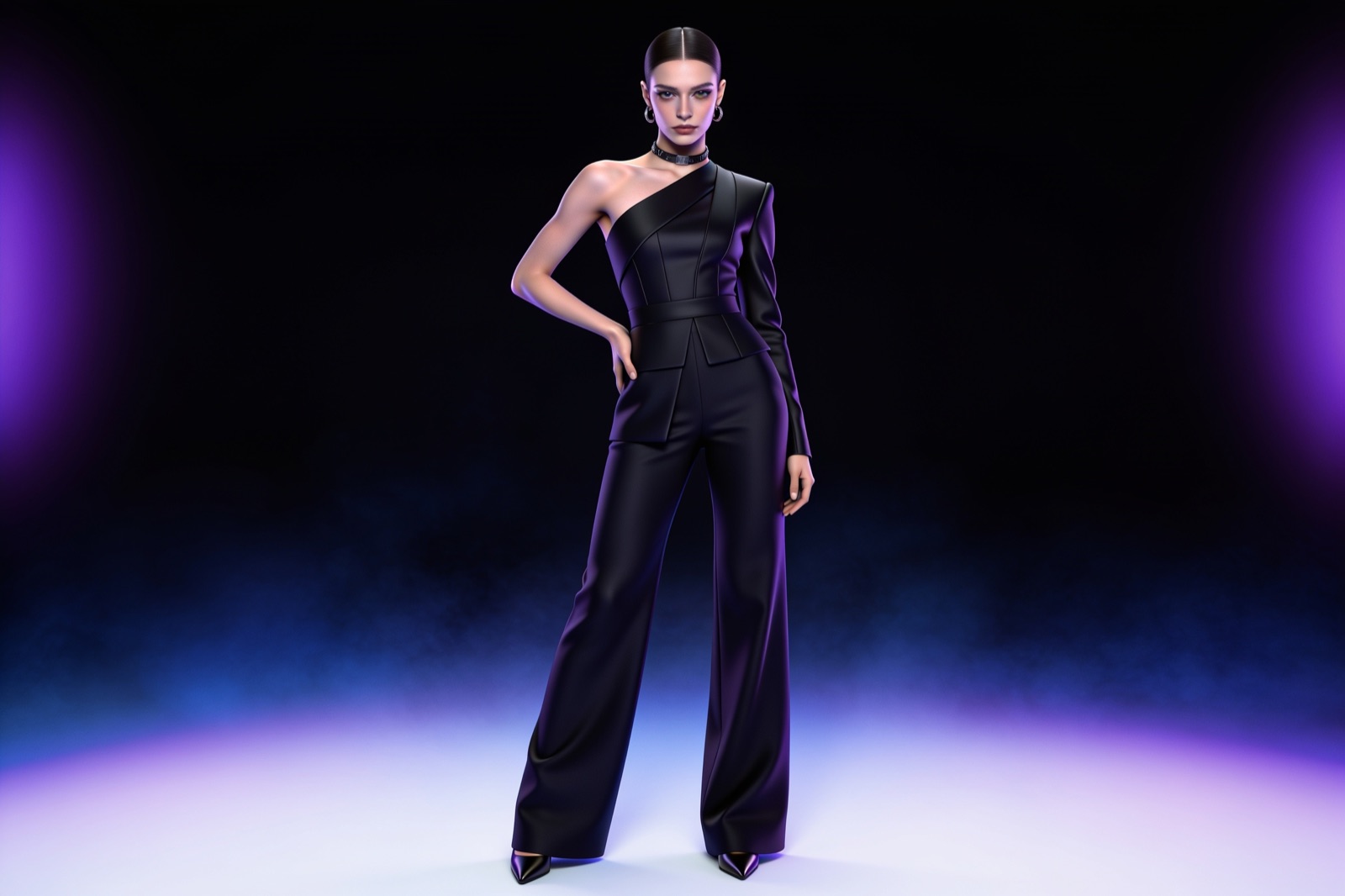
Upload a character sheet, drop it onto a 3D mannequin, pose it, then add clothing and styling. Bring your own custom assets too: models, characters, clothing and poses. Render it in product shots, modeling scenes, branded visuals or spinning turntables. No rigging, no 3D skills.
Characters
Control
AI doesn't take the wheel. You do.
A lot of people, artists especially, are wary of AI making the creative calls for them. ClayStage doesn't. You build the scene in clay, set the camera, light it, frame the shot; every decision is yours. The only thing we replaced is the render: instead of waiting hours on a render farm, you generate the photoreal frame in minutes. Move fast for stakeholders, or just play, without handing your craft to a black box.
You make every creative call
Composition, camera, lighting, materials, motion, all staged by hand on a real 3D canvas. The AI never picks the shot; it renders the one you built.
Yours
We only removed the render
No render farm, no overnight queue, no $5k workstation. Stage it, then generate the photoreal frame in minutes: the one part actually worth automating.
Generate, don't render
Work you can defend
Pitch a stakeholder, lock a look, or experiment freely, with full control of the creative and output that's genuinely yours, not a black box's guess.
For the room
Speed
No render farm. No overnight queue. Generate in minutes.
Traditional 3D is a waiting game: months to master the software, hours in a render queue before you see a frame. ClayStage compresses all of it: you're building scenes the same day, and the render lands while the idea is still hot.
0simple moves from clay to clip
0keyframes or 3D skills needed
0easing curves in AutoDrive
minsnot hours, to a finished shot
Showcase
Made on the stage.
Clay in, cinema out: product shots, character scenes, animation and video, all from the same simple stage.
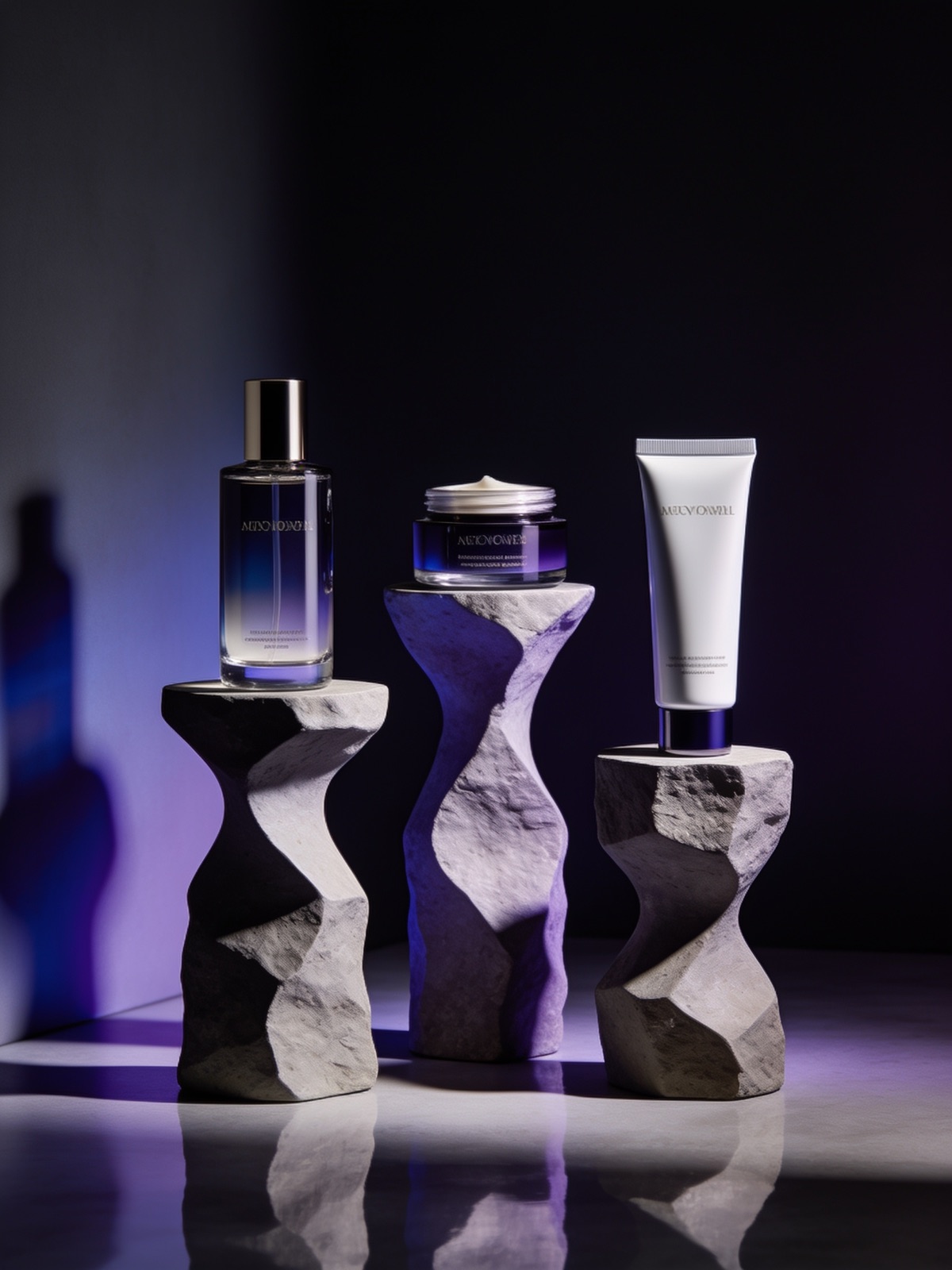
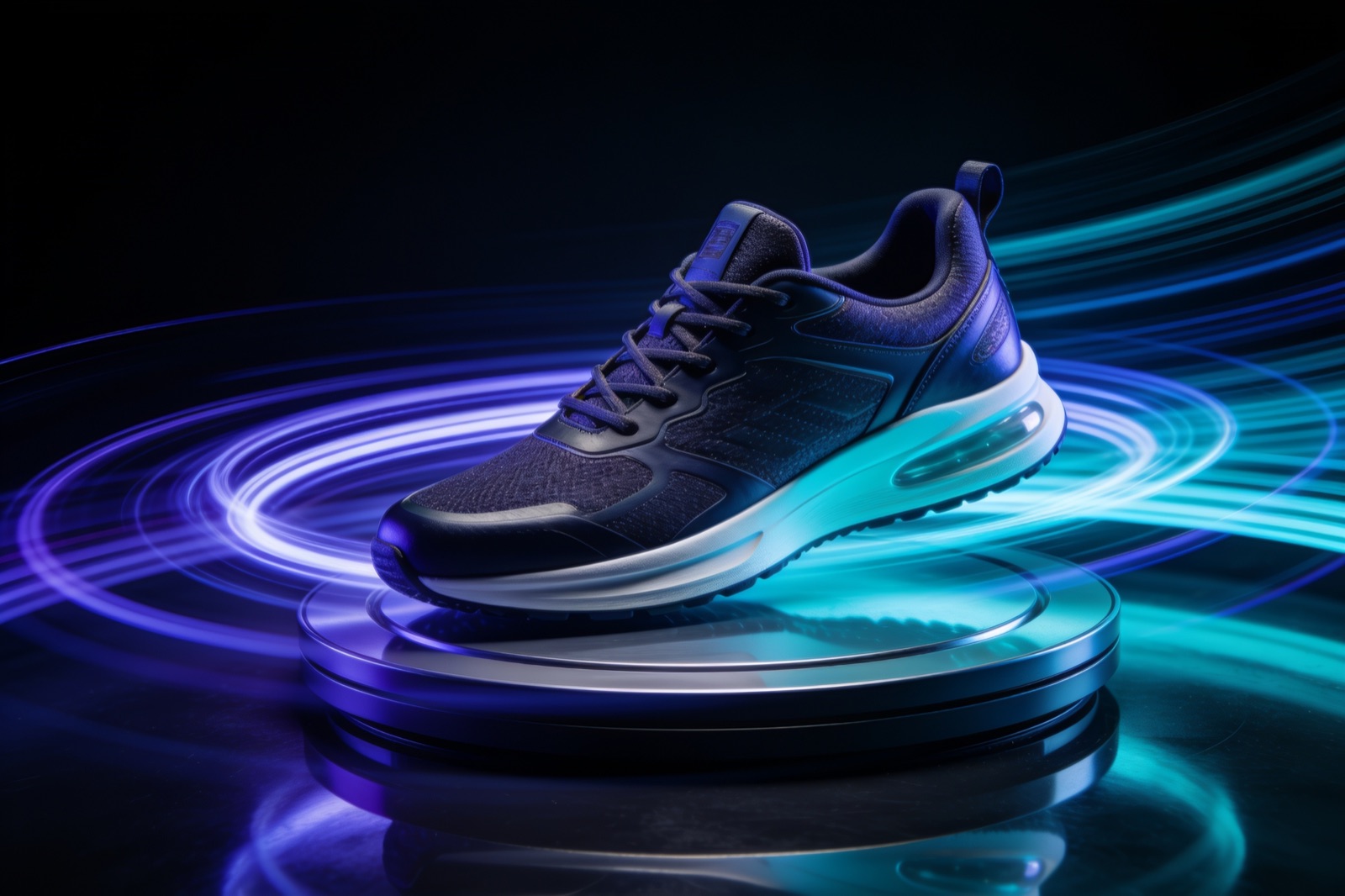
Product · stillPedestal trio
Character · styledPosed & dressed
AutoDrive · turntableProduct spin
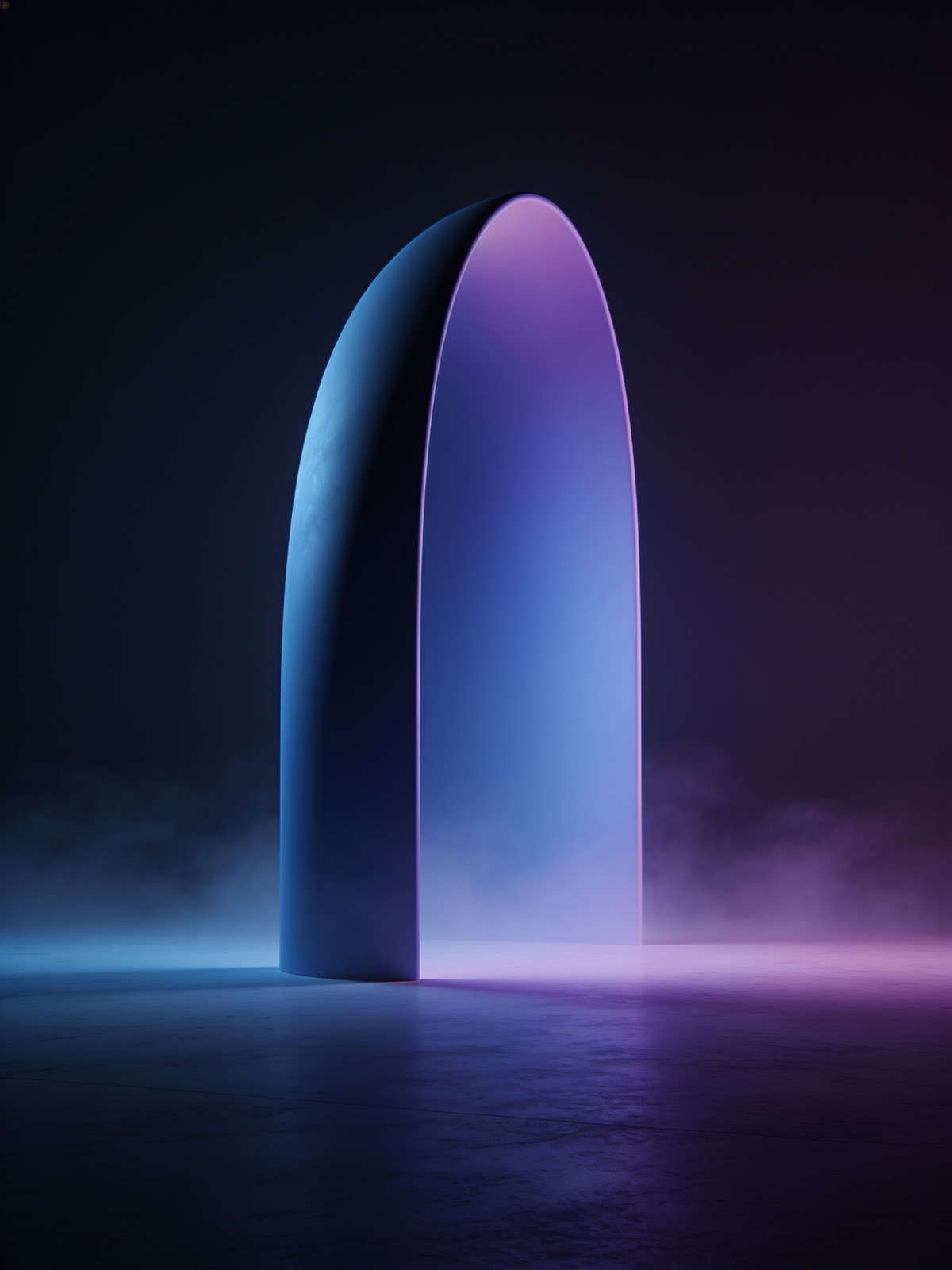
Loop · 6sCurved arch
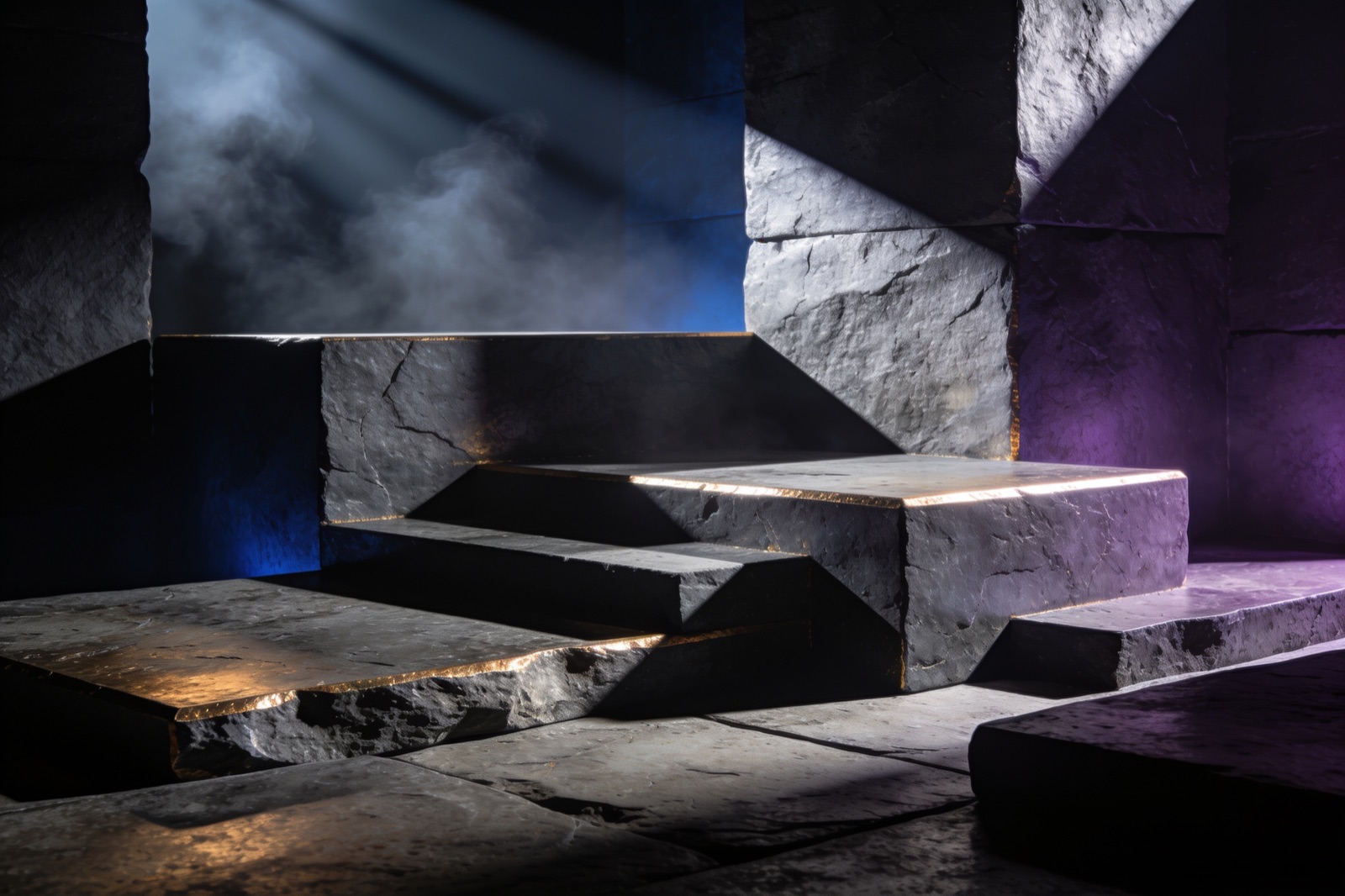
Video · 8sStone set
Product · marketingHero packshot
Lighting · goboSlate & haze
Pricing
Start free. Stay for the speed.
Start free on the full clay staging canvas: stage, light and render to image, no card. Unlock animation, characters and AI video on Creator. When you're hooked, pick a plan that fits how hard you push it. Cancel anytime.
Free trial
$0
15 credits · one-time
kick the tires, no card
Full clay staging canvas
15 one-time credits · free downloads are watermarked
What a credit gets you: photoreal image = 1 credit (native 4K = 2 · premium models = 2–3) · AI video = priced per second by model & resolution (audio where supported), shown in the in-app estimate before you render · Render Animation from 22 (5s) on Aleph 2 · 4K upscale = 2. Out of credits? Top-up packs are $39 for 100 credits, anytime. No plan change.
Bigger team or enterprise rollout? Talk to us. No card needed to start free.
Stage it in clay, render it photoreal, animate it without a keyframe, pose a character, ship the video. No 3D experience, no card: your first scene is a few clicks away.